Getting started
How to send a marriage biodata on WhatsApp (without losing quality)
Most biodatas are shared on WhatsApp, and many arrive blurry, cropped or as a Word file that will not open. A few small habits fix that — and a short, polite message makes it far more likely the biodata is read.
- Send as a PDF document, not as a photo — photos get compressed.
- Name the file clearly: Priya_Sharma_Biodata_2026.pdf.
- Add a two-line message saying who you are and how you got the number.
- For large groups, share a version without your phone number and address.
Send a PDF, not a photo
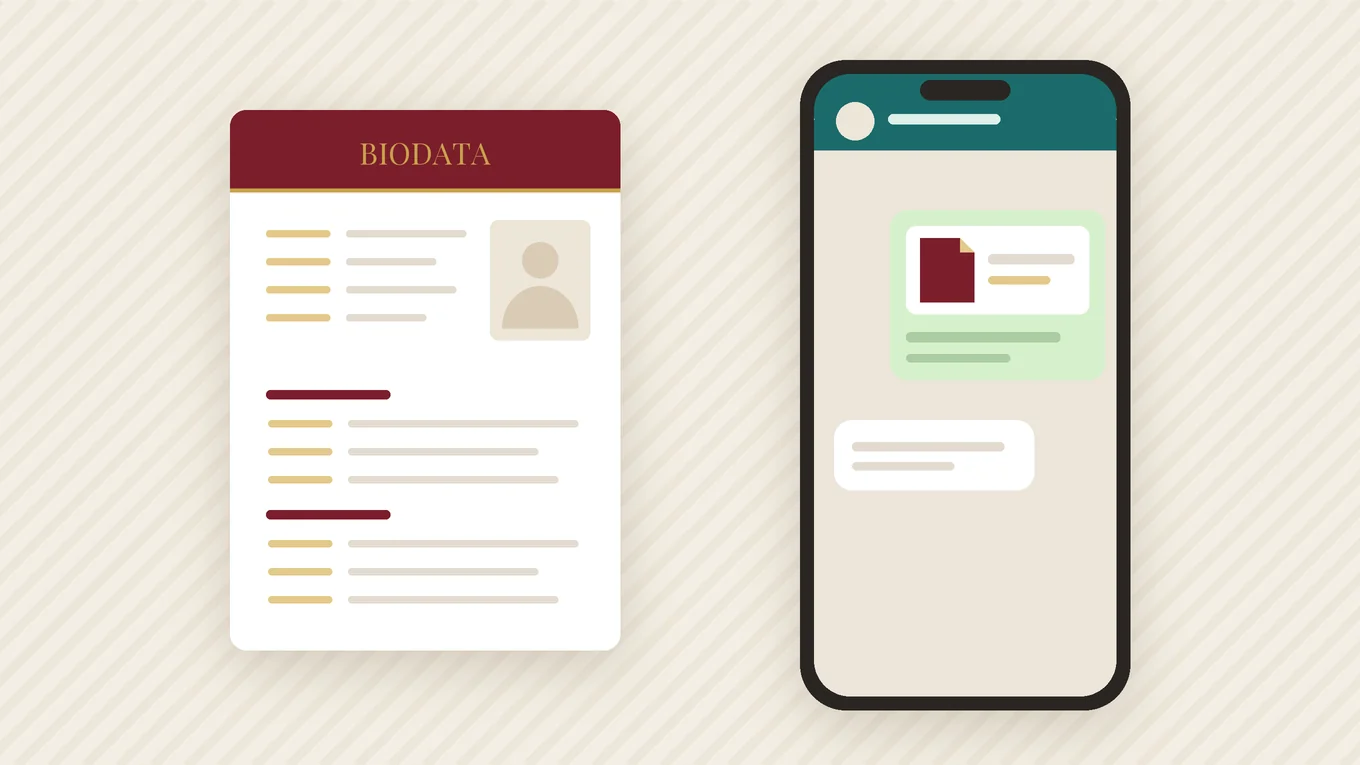
When you send a biodata as a photo, WhatsApp compresses it. Each time it is forwarded, it gets a little blurrier, until the text is hard to read. A PDF is sent as a document and arrives exactly as you made it, no matter how many times it is forwarded.
| Format | Result on WhatsApp |
|---|---|
| PDF (as document) | Sharp text, same layout on every phone — best choice |
| Photo / screenshot | Compressed; gets blurry when forwarded |
| Word (.docx) | May not open; layout and fonts can break on phones |
How to attach it as a document
- Open the chat and tap the attachment (📎) or plus icon.
- Choose Document, not Gallery or Camera.
- Select the biodata PDF from your files or downloads.
- Check the preview shows the first page, then send.
If you make the biodata in an app that has a WhatsApp share button, it usually shares the PDF directly — check that it arrives as a document.
Name the file clearly
“biodata_final_v3.pdf” gets lost among dozens of others. Use the person’s name and the year:
Good filenames
Priya_Sharma_Biodata_2026.pdf · Rohan_Deshpande_Biodata.pdf
What to write with it
A biodata sent with no message often goes unopened. Two or three polite lines work best:
English — to a family you were referred to
Namaste. I am Sunita Sharma from Jaipur. We got your number from Mrs. Mehta. Sharing my daughter Priya’s biodata for your consideration. Please let us know if you would like to talk.
English — to a matchmaker or group admin
Hello, sharing the biodata of my son Rohan (32, Engineering Manager, Pune) for suitable matches. Contact details are in the PDF. Thank you.
Hindi
नमस्ते, मैं जयपुर से सुनीता शर्मा हूँ। आपका नंबर श्रीमती मेहता जी से मिला। मेरी बेटी प्रिया का बायोडाटा भेज रही हूँ। उचित लगे तो कृपया बात करें।
Sharing in large WhatsApp groups
Community and matrimony groups can have hundreds of members, and anything posted is forwarded further. For these, make a second version of the biodata that removes the phone number and address and says “Contact via group admin”. Share the full version only with families who show interest.
Etiquette that helps
- Send between 9 AM and 8 PM — not late at night
- Send the biodata once; do not follow up more than once in a week
- If a family says no, reply with thanks — communities are small
- Do not post your biodata as a WhatsApp status; it reaches everyone in your contacts
- Ask before forwarding someone else’s biodata to others
If the PDF is too large
WhatsApp accepts large documents, but a small file downloads faster on slow connections. A one-page biodata with one photo should be well under 2 MB. If yours is larger, the photo is usually the cause — use a normal phone photo rather than a full-resolution camera file.
Want it designed?
Make it in the app in a minute — 19 designs, 13 languages, a print-ready PDF.
Last updated 21 September 2026 · Biodata for Marriage team
Frequently asked questions
Should I send my biodata as a PDF or image on WhatsApp?
What message should I send with a marriage biodata?
How do I send a PDF on WhatsApp?
Is it safe to share a biodata in WhatsApp groups?
Make your biodata in the next 10 minutes
Free to start. Classic Frame in all 13 languages, no sign-up.
Get the free app