Getting started
How to make marriage biodata on mobile: four ways, step by step
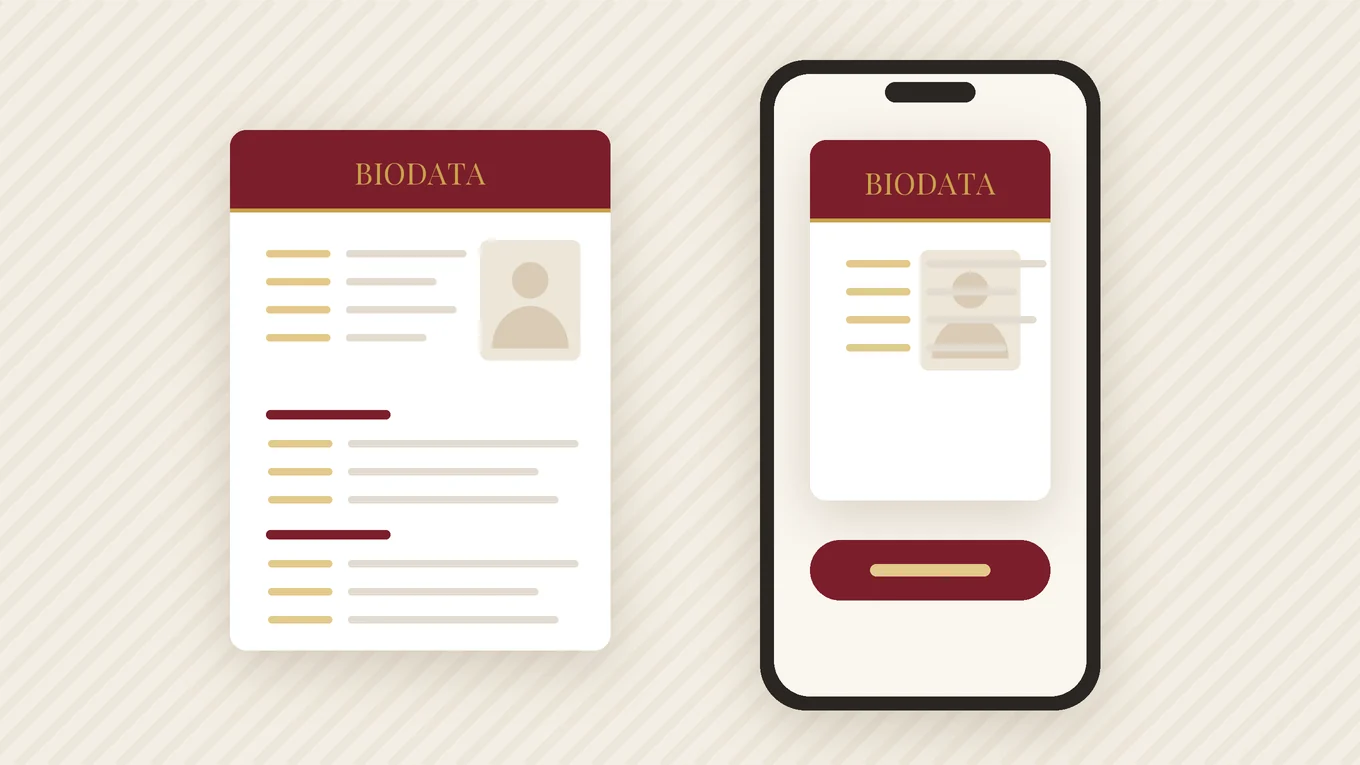
Most people who need a biodata do not have a laptop nearby, and many parents never use one. A phone is enough. Here is how to make marriage biodata on mobile — mobile se biodata kaise banaye — with four methods compared honestly, and the photo, PDF and WhatsApp steps where most people get stuck.
- Four methods work on a phone: a biodata app, Google Docs, a Word template in WPS or Word, or Canva.
- Type every detail into one note first; hunting for facts halfway through is what makes phone typing slow.
- Take the photo with the back camera, facing a window, not as a selfie.
- Export a PDF, send it to yourself on WhatsApp and check it before anyone else sees it.
Before you start: put every detail in one note
Open any notes app — Google Keep, Samsung Notes, even a WhatsApp chat with yourself — and type everything you will need. Copying from one note is far quicker than messaging an uncle to confirm your father’s exact designation while the biodata sits half-made.
- Full name, date of birth, height; time and place of birth if your family uses horoscope matching
- Religion, mother tongue, diet, current city
- Highest degree with college, job title with employer and city, income as a range
- Parents’ names and occupations, siblings, native place
- Four or five lines about yourself and three about the partner you hope for
- The contact name and number that will go on the page
Four ways to make a biodata on a phone
| Method | Good for | Watch out for |
|---|---|---|
| Biodata app | Filling sections without handling layout; Indian-language fonts; a one-tap PDF | The more decorative designs are usually paid; check where your details are stored |
| Google Docs (free) | A plain, simple biodata; saved in your Google account, so you can edit it on any device | Tables and photos are fiddly on a small screen; no ready biodata designs |
| Word template in WPS Office or Microsoft Word | Filling in a ready .docx format | Layouts made on a computer can shift on a phone; some features ask you to sign in or pay |
| Canva | Decorative designs you want to change freely | Many templates are not made for biodatas; some elements are Pro; some fonts do not support Hindi or other Indian scripts; aligning text by finger is slow |
For a plain English page, Google Docs is enough. For a traditional design, or a biodata in Hindi, Marathi, Tamil or another Indian script, an app or a tested template saves the most time, because the fonts and spacing are already worked out.
Step by step: using a biodata app
Most biodata apps follow the same flow:
- Choose the language and a design. Start with a free design; in most apps you can switch later without retyping.
- Fill the sections in order: personal, horoscope (or turn it off), education and career, family, preferences, contact.
- Hide any field you do not want and move rows if your family expects a different order.
- Add the photo and crop it to shoulders-up.
- Open the full-page preview and zoom into each section once.
- Export the PDF and share it.
In Marriage Biodata Maker, for example, there is no sign-up, every field can be hidden or reordered, and the app exports an A4 PDF that you can send straight to WhatsApp. Classic Frame is free; the other 18 designs are paid. Because biodatas are stored on the phone, also save the finished PDF to Google Drive or email it to yourself, so a lost or reset phone does not mean starting again.
Step by step: Google Docs on Android
- Open Google Docs, tap + and start a new blank document.
- Tap the three dots › Page setup and set the paper size to A4.
- Type the heading line and your name at the top and centre them.
- Tap + › Table and insert two columns: labels on the left, details on the right.
- Tap + › Image to add the photo, then drag its corner to resize it.
- Tap the three dots › Share & export › Send a copy and choose PDF. If your version shows no PDF option, use the three dots › Print and pick Save as PDF as the printer.
Turn the phone sideways while filling the table; the keyboard covers less of the page. To type in Hindi or another Indian language, add it in your keyboard settings (in Gboard: Settings › Languages) and switch with the globe key.
Using a Word template instead? Open the .docx in WPS Office or Word, replace the sample text line by line, and check that the table has not spilled onto a second page before you export. The guide to making a biodata in Word covers the common layout problems.
Taking the biodata photo with your phone
- Ask someone else to take it with the back camera. It is sharper than the selfie camera, and a held-out arm distorts the face.
- Stand facing a window in daytime. Avoid direct sun and overhead tube lights.
- Use a plain wall, and stand about a metre in front of it so no shadow falls behind you.
- The photographer should stand about two metres away at your eye level and use 2x zoom rather than coming closer.
- Turn off beauty filters. Mild portrait-mode blur is fine.
- Take fifteen or twenty shots and pick the one with the most natural expression.
More on dress, background and cropping in the biodata photo guide.
Export a PDF and share it on WhatsApp
Whichever method you used, send a PDF. A screenshot gets blurrier each time it is forwarded, and a Word file can open with broken layout or missing fonts on someone else’s phone.
- Find the file: exported PDFs usually land in the Downloads folder of your Files app, or in Google Drive for Google Docs.
- Rename it to something like Ankit_Srivastava_Biodata.pdf (in Files by Google: tap the three dots next to the file › Rename).
- Send it as a document: in the WhatsApp chat tap the attachment icon › Document and pick the PDF — not Gallery.
- Add two lines saying who you are and whose biodata it is.
Check it on a small screen before sending
Almost everyone will open your biodata on a phone. Send it to your own number first — WhatsApp lets you message yourself — and open it the way a relative would.
- Can you read name, age, height and education without zooming in?
- Is it one page? Scroll down to be sure nothing has spilled onto a second page.
- In Hindi, Marathi or other scripts: are the letters joined properly, with no boxes or detached matras?
- Is the photo sharp, not stretched, and not cut off at the forehead?
- Is the phone number right? Dial it once.
- Do the date of birth and any age you mention agree?
Then follow the steps in sending a biodata on WhatsApp for the message to send with it.
Want it designed?
Make it in the app in a minute — 19 designs, 13 languages, a print-ready PDF.
Last updated 24 September 2026 · Biodata for Marriage team
Frequently asked questions
Can I make a marriage biodata on my mobile for free?
Mobile se biodata kaise banaye?
Which is the best way to make a biodata on a phone?
How do I save my biodata as a PDF on a phone?
Why does my biodata look different on someone else’s phone?
Related guides
Make your biodata in the next 10 minutes
Free to start. Classic Frame in all 13 languages, no sign-up.
Get the free app